
API keys
Create scoped API keys so your own systems can read and update your show data.
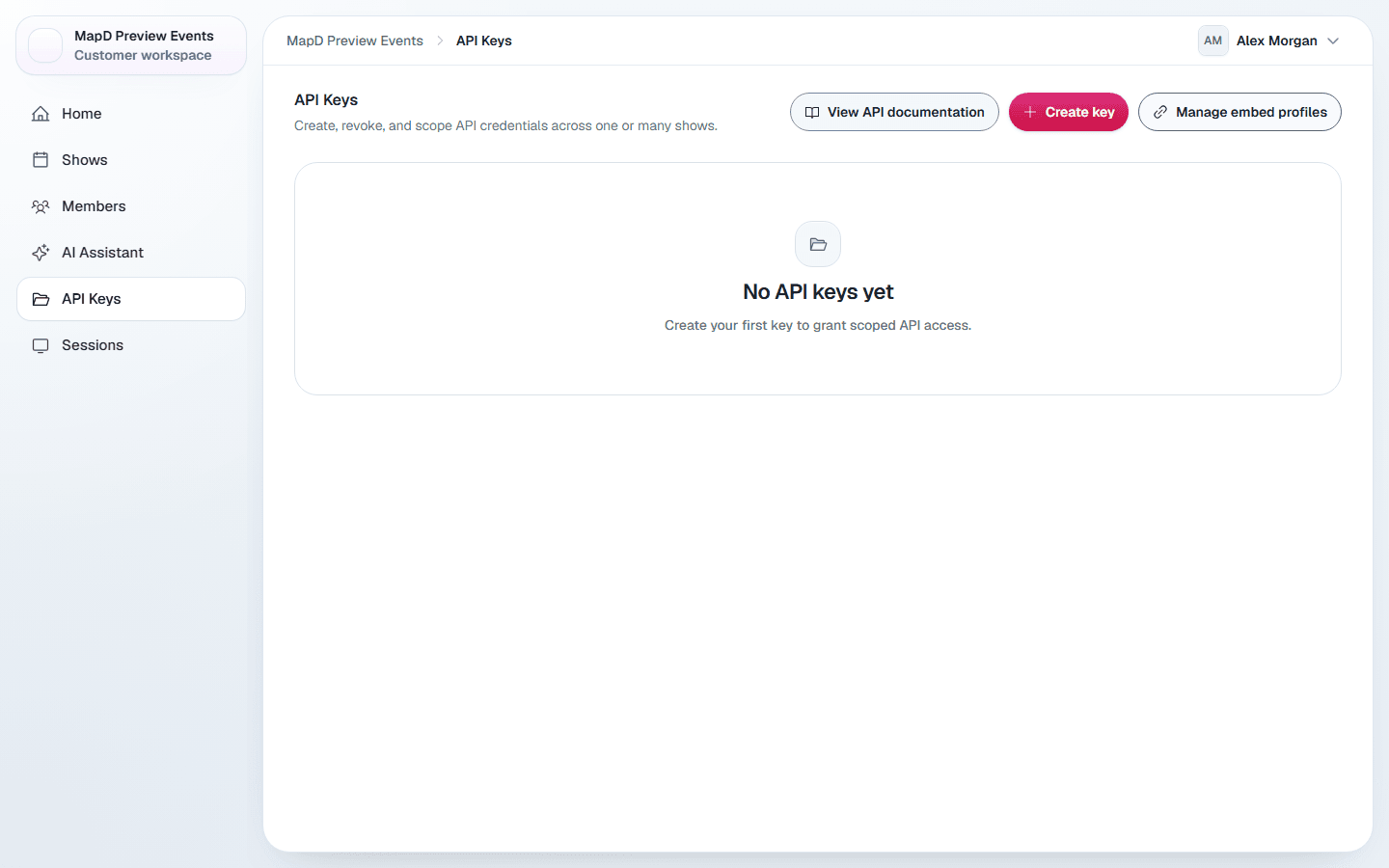
API keys let your own systems, such as a CRM, registration system or website, read and update your show data in Map D. Open API Keys in the organization sidebar.
Owners manage every key. Show Managers and Associates manage keys for the shows they work on: they see only keys whose shows are all theirs, and only an Owner can create a key for all shows.
Create a key
Select Create key
Give the key a name that says what uses it, for example "Partner integration".
Choose which shows
Select Apply to all shows (Owners only), or choose specific shows under Show access.
Choose what it can do
In the scope grid, allow Read, Write or Delete for each kind of data: show, exhibitors, sponsors, schedules, speakers, attendees, help center and documents. Grant only what the integration needs.
Copy the secret
Map D shows the secret once. Select Copy secret and store it somewhere safe, such as your password manager. It will not be shown again.
Edit or delete a key
Select Edit on a key to change its name, shows or scope. Select Delete to revoke it. Anything using it stops working immediately, and this cannot be undone.
For developers
Select View API documentation, or share the API guide with your developer. It covers authentication, request signing, and every endpoint.
Still need help?
Contact your Map D account team. Include your show name and, if something looks wrong, a screenshot of the page.
Last updated September 29, 2026