
The free plan and how to upgrade
What you can do on a free account, what needs the standard plan, and how to request an upgrade.
Map D has two plans. A free account lets you try the floor plan editor on your own show. The standard plan is the full platform.
What the free plan includes
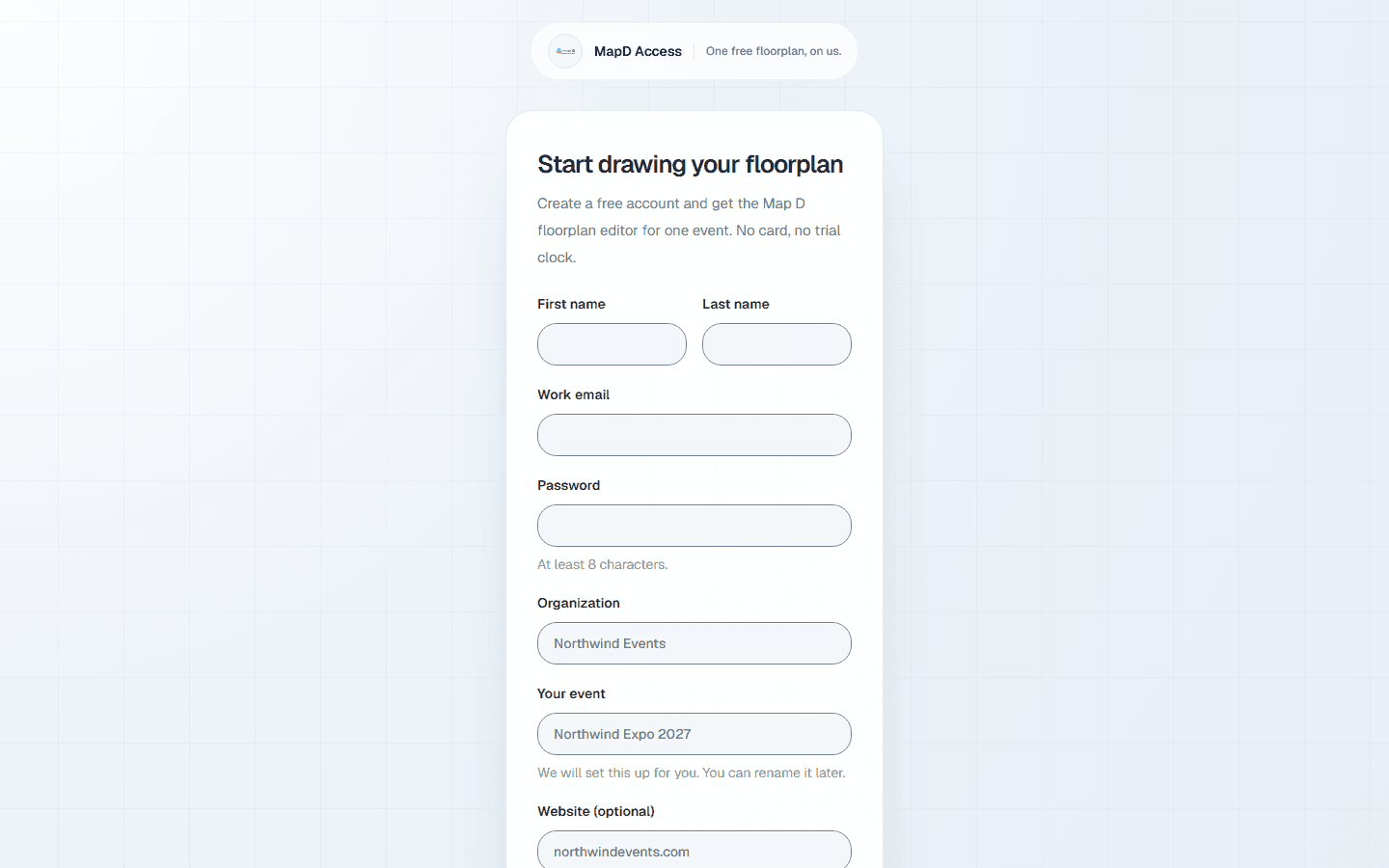
When you sign up for a free account, Map D creates your workspace, a first show and a blank floor plan. After you confirm your email, you land straight in the map editor.
On the free plan you can:
- Draw your floor plan: booths, areas, walls, paths and labels.
- Number booths, set the scale and add a background image.
- Save your work and come back to it later.
What needs the standard plan
- Publishing your floor plan, which puts it on your public show page. On the free plan the publish button reads Upgrade to publish.
- Booth sales, exhibitor portals, Homebase, the mobile app, your team and every other part of the workspace. These are not shown in the sidebar on a free account.
Request an upgrade
Select Upgrade to publish
In the map editor, select Upgrade to publish. If you open a page that is not part of the free plan, you can select Request an upgrade there instead. Either one sends your request.
Map D gets in touch
Your request goes to the Map D team, who contact you about your show and pricing. You only need to ask once: the page confirms that your request was received.
Your workspace unlocks
Once your organization moves to the standard plan, everything you drew is still there, and publishing and the rest of the workspace are available.
Still need help?
Contact your Map D account team. Include your show name and, if something looks wrong, a screenshot of the page.
Last updated September 24, 2026